First, confirm what you need to verify When buying sp5der accessories, you cannot determine if a discount is valid just by looking at the product name or the discount notice displayed on the page. You should first clearly record the specific product details: accessory type, color, style or version, product link, and the time of inquiry. After changing the color or style, the product may correspond to a different
First, confirm what you need to verify
When buying sp5der accessories, you cannot determine if a discount is valid just by looking at the product name or the discount notice displayed on the page. You should first clearly record the specific product details: accessory type, color, style or version, product link, and the time of inquiry. After changing the color or style, the product may correspond to a different variant, and the applicable scope of the discount may also differ.
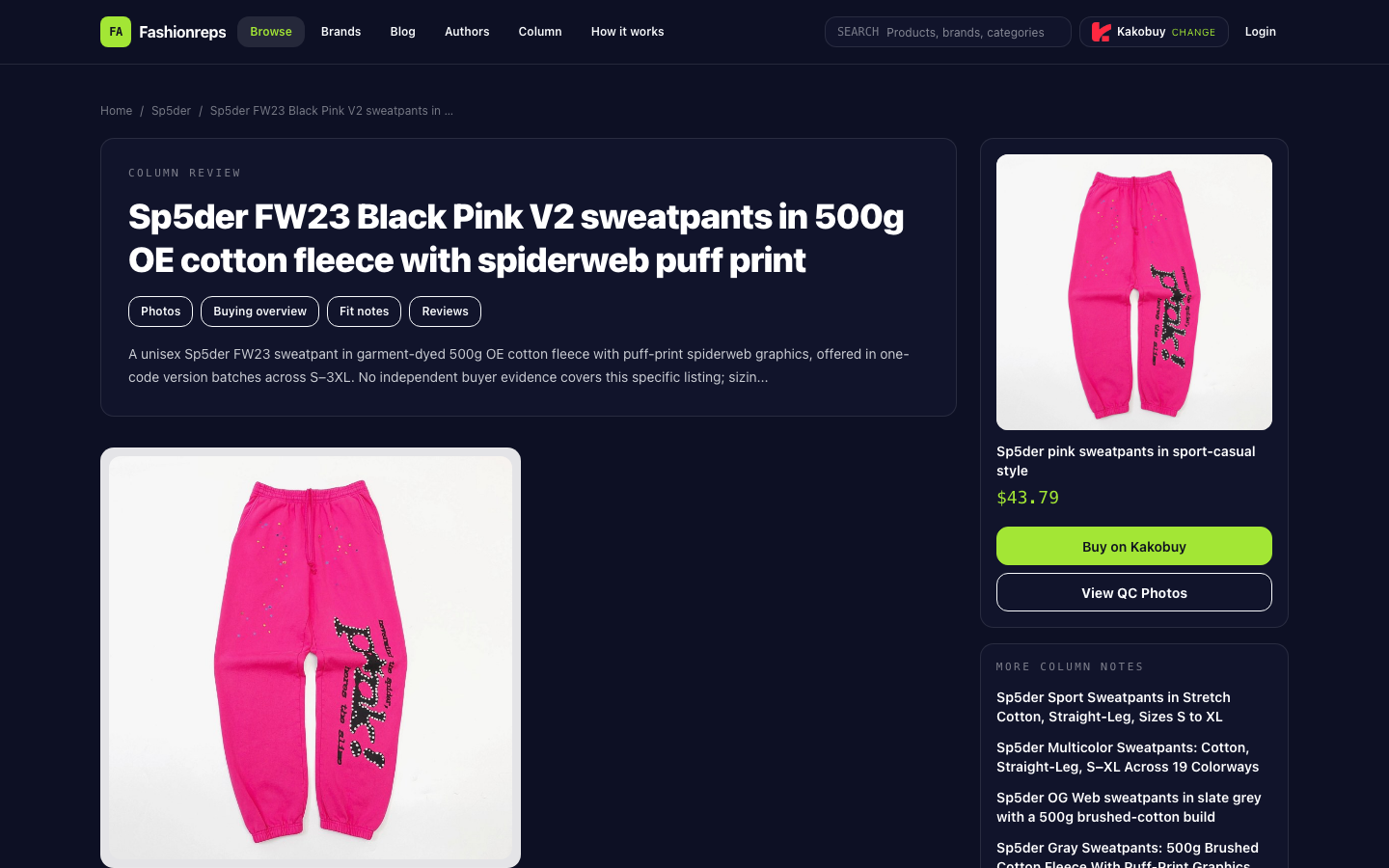
The verifiable source this time is the sp5der FW23 Black Pink V2 sweatpants page on fashion-reps. The page records a sweatpants product and does not provide the current official sp5der accessory coupon code, applicable accessory range, minimum spend, validity period, exclusions, or stacking rules. Therefore, we cannot assert that a certain coupon applies to hats, bags, socks, or other accessories based on this, nor can we calculate the savings amount.

Record product variants before payment
First, open the product page and save the following information:
- The specific type of accessory, such as hats, bags, socks, or other accessories;
- Color name, style name, and available sizes;
- The product title and product link displayed on the page;
- The recording time and whether the page can still open normally;
- The actually selected color or style in the shopping cart, not just the default option.
If the page only shows a product category and does not clearly distinguish colors or styles, you cannot assume that all variants share the same discount conditions. You should check the cart line items again after adding to cart to confirm that the displayed variant matches the version you plan to purchase.
Verify item by item according to discount conditions
Only information clearly displayed on the current official page, shopping cart, or checkout process is suitable for judging the discount. It is recommended to check in the following order:
- Discount entry: Confirm that the discount comes from the current shopping platform's official activity page, account discount area, cart prompt, or checkout page, rather than outdated reposted content.
- Applicable products: Check whether the rules explicitly include sp5der accessories and whether they are limited to a specific product, color, style, store, or activity batch.
- Minimum spend: Confirm whether the threshold is calculated based on the product amount or the amount after deducting other discounts; do not treat the page display price as the qualifying amount.
- Validity period: Record the start time, end time, and applicable time zone. When only "limited time" is displayed without a date, you cannot assume a specific deadline.
- Exclusions: Check whether special-priced items, specified colors, specified styles, cross-store items, shipping fees, service fees, or other fees are excluded from the discount.
- Stacking rules: Confirm whether it can be used together with product discounts, account discounts, activity discounts, or other coupons. When the page does not clearly state this, you should not assume that stacking is allowed.
- Usage restrictions: Pay attention to usage limits per account, per order, or per item, as well as whether login, account binding, or regional conditions are required.
As of the current source materials, there is insufficient evidence to confirm the specific discount, coupon code, or validity period of any sp5der accessory coupon. When such information cannot be found, the correct conclusion is "not yet verified," not "no discount" or "definitely available."
Compare product page, cart, and checkout page separately
The price displayed on the product page, cart discounts, and final amount due on the checkout page belong to three different stages. They should be screenshotted or recorded separately to avoid judging savings based solely on the product page price.
| Verification stage | What to record | What cannot be directly concluded |
|---|---|---|
| Product page | Product title, variant, listed price, activity notices | Cannot conclude that the accessory definitely meets the discount conditions |
| Shopping cart | Actual variant, item subtotal, applied discounts, unmet condition prompts | Cannot conclude that shipping and service fees are included |
| Checkout page | Discounted product amount, service fees, international shipping, and final amount due | Cannot treat the estimated amount as a confirmed payment result |
A valid discount should meet at least two conditions: the checkout page clearly shows that the discount has been applied, and the final amount due is indeed lower than the same order without using the discount. If only prompts such as "claimable," "maximum discount," or "eligible" appear, but the final amount does not change, it cannot be called actual savings.
Pause payment when encountering inconsistencies
If any of the following situations occur, it is recommended not to pay first:
- The color or style in the shopping cart is inconsistent with the version you plan to purchase;
- The discount prompt only appears on the product page, and there is no corresponding reduction in the cart or checkout page;
- The rules do not state whether sp5der accessories are included in the applicable range;
- The page simultaneously displays different thresholds, validity periods, or product ranges;
- The checkout page only shows product discounts but does not explain how service fees and international shipping are calculated;
- The final amount due is not lower than the comparison amount without using the discount;
- The product page, cart, or checkout process cannot open normally, making it impossible to confirm current conditions.
You can submit the product link, specific color or style, cart screenshot, and checkout screenshot to the shopping platform's customer service, and ask them to clearly answer: whether the variant qualifies for the discount, what the discount amount is, whether there are exclusions, whether it can be stacked with other discounts, and whether the final amount already includes relevant fees. If customer service does not provide a clear, saveable response, it should still be considered unverified.
Current conclusion
Existing sources can only support a description of the page information for a sp5der FW23 Black Pink V2 sweatpants item, and cannot prove that any sp5der accessory coupon is valid, nor can they provide a confirmable coupon code, discount rate, threshold, validity period, or savings amount. When purchasing accessories, you should rely on the actual display of the specific color or style in the cart and checkout page; before the official conditions and final amount are confirmed, you should not treat the generalized discount prompts on the page as obtained savings.
Article image
